Building Reliable AI Agents with MCP: The Complete Guide



The Paradigm Shift
The evolution of AI agents has shifted from basic chatbots to autonomous systems capable of executing complex multi-step workflows. However, connecting Large Language Models (LLMs) to external tools, databases, and APIs has historically required fragile, hardcoded integrations.
The introduction of the Model Context Protocol (MCP) in 2026 has revolutionized this landscape by providing a universal, standardized open interface for agent-to-tool communication.
In this technical guide, we will explore how to architect reliable enterprise AI agents using MCP, build secure execution environments, handle multi-step agent reasoning, and implement interactive diagnostics.
AI Agent Runtimes & MCP Engineering
What is the Model Context Protocol (MCP)?
The Model Context Protocol (MCP) is an open standard that decouples LLMs from the specific implementations of the tools they use. Instead of writing custom API wrappers for every model (like OpenAI function calling or Anthropic tool use), you write an MCP server. Any MCP-compatible agent can then securely discover and execute tools exposed by that server.
| Feature | Traditional Hardcoded Integrations | Model Context Protocol (MCP) |
|---|---|---|
| LLM Portability | Locked into specific vendor schema (OpenAI/Anthropic) | 100% Model Agnostic: swap GPT-4, Claude 3.5, or Llama 3 instantly |
| Security Boundary | Agent executes code in host application runtime | Strict process isolation via stdio / HTTP/SSE streams |
| Tool Discovery | Manually injected into every system prompt | Dynamic JSON-RPC registry discovery with Zod/Pydantic schemas |
| State & Lifecycle | Stateless per turn, difficult connection pooling | Persistent server sessions, connection pools & cache in memory |
MCP Agent Execution Loop
How does an autonomous agent actually communicate with an MCP Server during an execution turn? Here is the complete sequence flow:
Core MCP Building Blocks
Tools (Model-Controlled)
Executable functions exposed to the agent.
Functions that allow LLMs to take actions in external systems, like executing database queries, calling REST APIs, or writing local files.
Resources (Application-Controlled)
Read-only contextual data feeds.
Data sources such as server logs, file contents, or database schema definitions that can be attached as ambient context.
Prompts (User-Controlled)
Pre-configured reusable prompt templates.
Standardized interactive workflows and slash-command templates exposed by the server to guide user-agent interactions.
Transports
Communication pipes.
Local stdio processes for maximum security on localhost, or HTTP/SSE for distributed remote microservice architectures.
Building an MCP Server: TypeScript vs Python
import { McpServer } from "@modelcontextprotocol/sdk/server/mcp.js";
import { StdioServerTransport } from "@modelcontextprotocol/sdk/server/stdio.js";
import { z } from "zod";

const server = new McpServer({
  name: "enterprise-metrics-server",
  version: "1.0.0"
});

// Register a type-safe tool with Zod schema validation
server.tool(
  "query_system_metrics",
  { metric: z.enum(["cpu", "memory", "disk"]), durationMinutes: z.number().default(15) },
  async ({ metric, durationMinutes }) => {
    // Isolated execution logic
    const data = { metric, value: 42.5, window: `${durationMinutes}m`, timestamp: new Date().toISOString() };
    return {
      content: [{ type: "text", text: JSON.stringify(data, null, 2) }]
    };
  }
);

async function main() {
  const transport = new StdioServerTransport();
  await server.connect(transport);
  console.error("MCP Server listening on stdio...");
}

main();
from mcp.server.fastmcp import FastMCP
from pydantic import Field

mcp = FastMCP("enterprise-metrics-server")

@mcp.tool()
def query_system_metrics(metric: str = Field(description="cpu, memory, or disk"), duration_minutes: int = 15) -> str:
    # Fetch aggregated system telemetry metrics for cluster nodes
    return f"Metric {metric} average over last {duration_minutes}m: 42.5%"

if __name__ == "__main__":
    mcp.run(transport="stdio")
4 Steps to Production Reliability
1. Isolate the Planning Phase
Before an agent calls any external tools, enforce a structured reasoning step. Forcing the model to output a plan prevents hallucinated tool arguments and reduces infinite retry loops.
2. Enforce Non-Destructive Graceful Timeouts
MCP tools may execute long-running builds or queries. Use SIGINT over SIGKILL in your orchestrator to allow child processes to clean up sockets and prevent orphaned zombie processes.
3. Maintain Checkpoint Files
Persist execution state after each tool step to a local checkpoint (e.g. PROGRESS.md). If the agent process restarts, it can resume without re-executing costly operations.
4. Restrict Privilege Per Domain
Build small, specialized MCP servers (github-mcp, db-mcp, slack-mcp) rather than a single monolithic server to enforce the principle of least privilege.
Key Terms Flashcards
Model Context Protocol (MCP)
Model Context Protocol (MCP)
Stdio Transport
Stdio Transport
Zombie Process Prevention
Zombie Process Prevention
Interactive Knowledge Check
Why is stdio transport considered more secure than direct in-process code execution for AI agents?
Frequently Asked Questions
No, the Model Context Protocol is an open-source standard. While it was initially open-sourced by Anthropic, it is model-agnostic and actively supported across Claude, OpenAI, Ollama, Gemini, and custom open-source agents.
Yes! Because the MCP server process remains alive for the duration of the agent session, you can maintain in-memory database connection pools, local vector indices, and caching layers across multiple consecutive tool turns.
Remote MCP servers using HTTP/SSE transports utilize standard HTTP security headers (e.g. Bearer Tokens, OAuth 2.0, mTLS) and API gateways just like standard cloud microservices.
You Might Also Like
Free In-Browser Developer Tools
Clean AI CLI logs, build cron expressions, decode JWTs, and calculate chmod permissions offline.
Related Articles
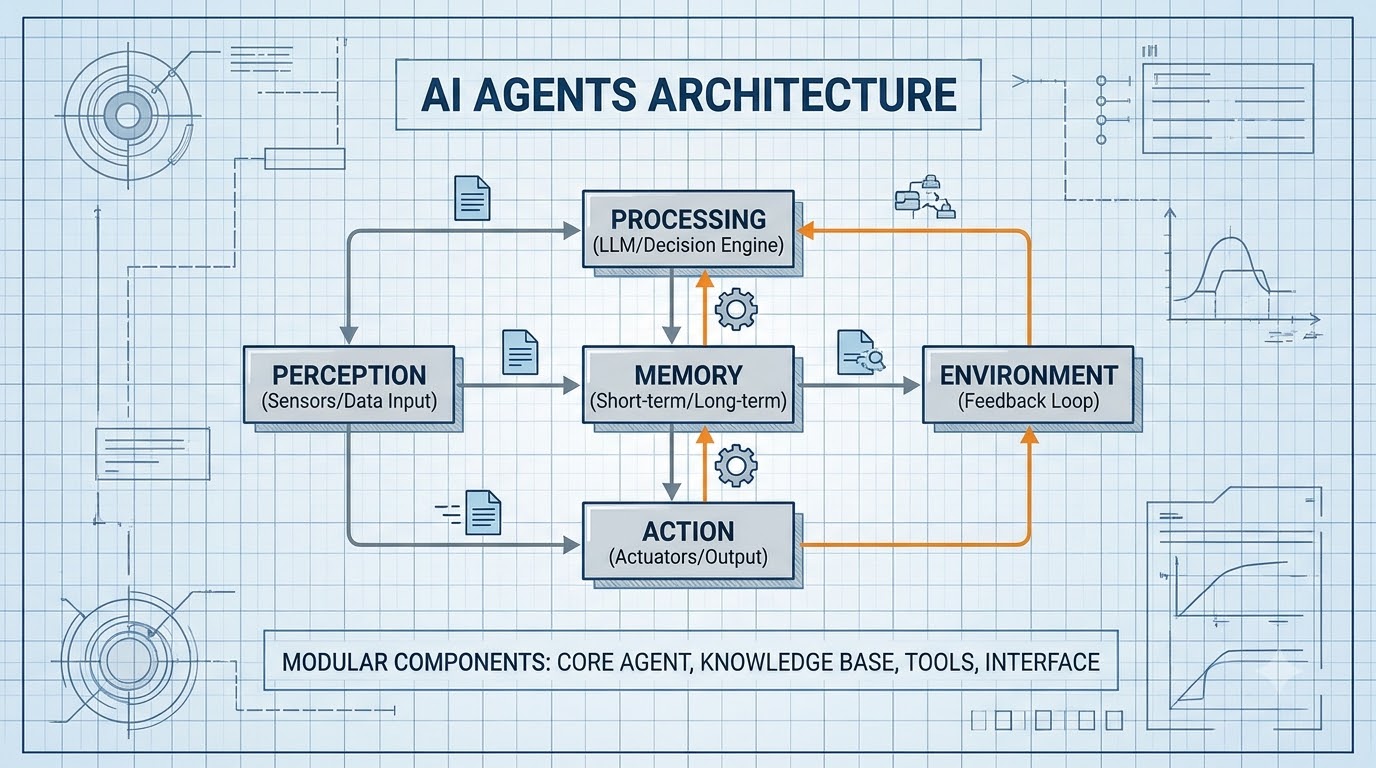
AI Agent Architecture in Practice: Memory, Tool Use, and Failure Modes
A working guide to building AI agent systems in 2026: ReAct loops, vector memory, tool calling patterns, multi-agent coordination, and how to test agents that fail gracefully.
Read more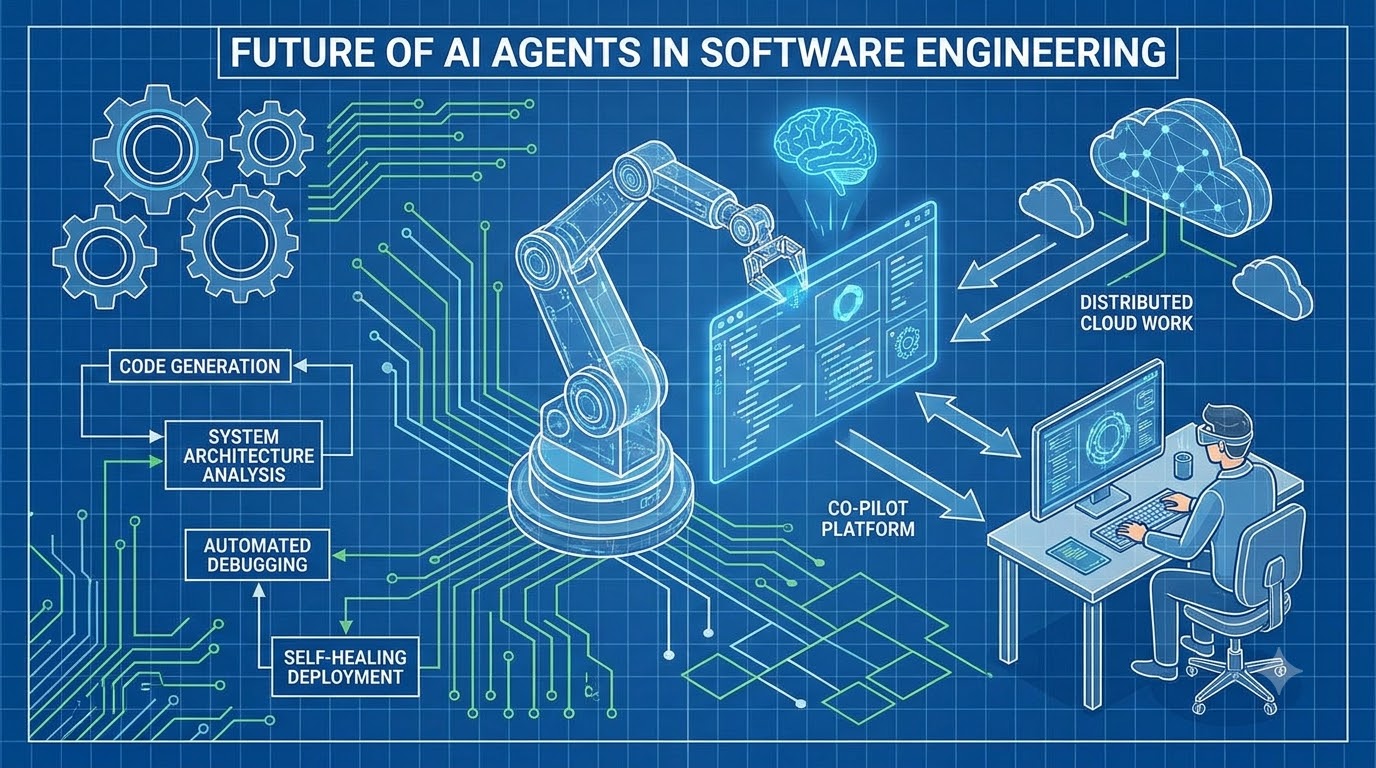
AI Agents in Software Engineering: Architecture Patterns That Actually Work
Moving beyond copilots to autonomous agents: tool-calling loops, MCP integration, memory architectures, multi-agent coordination, and the safety boundaries every engineering team needs to define before deploying agents.
Read more
Building a Custom MCP Client: Connecting Any LLM to Multiple Model Context Protocol Servers
Step-by-step implementation of a custom Model Context Protocol (MCP) client in TypeScript: managing stdio/SSE transports, dynamic tool discovery, and multi-server LLM sessions.
Read more