Docker Compose cho Phát triển Nội bộ: Hướng dẫn Thiết lập Hoàn chỉnh
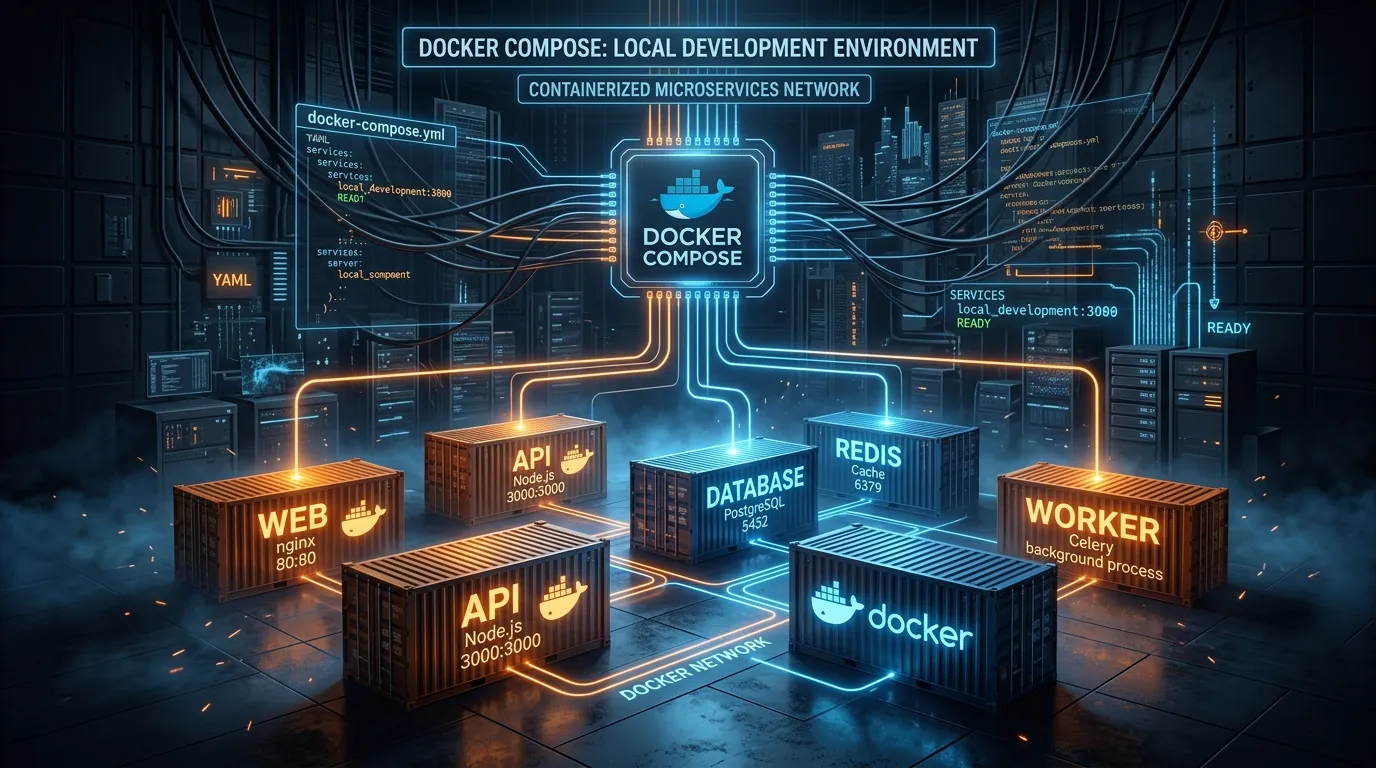

Table of Contents
Các ứng dụng web hiện đại hiếm khi chỉ là một dịch vụ duy nhất. Một stack điển hình vào năm 2026 bao gồm một API Node.js hoặc Python, một cơ sở dữ liệu PostgreSQL, một bộ nhớ đệm Redis, một worker Celery hoặc BullMQ, và có thể là một kho lưu trữ tương thích S3 cục bộ như MinIO. Việc quản lý các dependency này theo cách thủ công — cài đặt các phiên bản Postgres cụ thể, cấu hình cổng, chuyển đổi giữa các tab terminal — là công thức dẫn đến sự trôi dạt môi trường và lỗi kinh điển "nó chạy được trên máy của tôi".
Docker Compose giải quyết vấn đề này bằng cách thể hiện toàn bộ hạ tầng cục bộ của bạn dưới dạng một tệp YAML khai báo duy nhất. Vào năm 2026, Docker Compose v2 được tích hợp sẵn trong Docker Desktop và Docker Engine, tích hợp BuildKit một cách tự nhiên, và hỗ trợ các cấu hình GPU, kiểm tra sức khỏe (healthchecks), và bí mật (secrets) — làm cho nó có khả năng sản xuất cho các quy trình làm việc cục bộ.
Docker Compose to Kubernetes Converter
Generate Deployments, Services, ConfigMaps & Ingress
Convert multi-service Docker Compose v2/v3 YAML into production-grade Kubernetes manifests with custom replicas, health probes, resource limits, and PVC storage.
Tại sao docker compose up của bạn nên phản ánh môi trường sản xuất
Mục tiêu không chỉ là sự tiện lợi. Một tệp Compose phản ánh môi trường sản xuất sẽ bắt được các lỗi cụ thể của môi trường trước khi chúng đến giai đoạn staging. Các điểm tương đồng cụ thể cần được thực thi:
- Cùng phiên bản PostgreSQL, cùng mã hóa (
UTF8), cùng ngôn ngữ (en_US.UTF-8) - Cùng phiên bản Redis và chính sách loại bỏ (eviction policy) (
volatile-lrucho các bộ nhớ đệm phiên) - Cùng tên biến môi trường (lấy từ
.env, không bao giờ mã hóa cứng) - Cùng cấu trúc mạng (các dịch vụ tự tìm thấy nhau bằng tên dịch vụ, không phải
localhost) - Cùng quyền người dùng (container API chạy dưới quyền non-root, phản ánh
runAsNonRootcủa K8s)
Bước 1: Tệp docker-compose.yml
Đây là một tệp Compose phản ánh môi trường sản xuất cho một API Node.js với PostgreSQL, Redis và một worker nền:
# docker-compose.yml (Docker Compose v2 — no "version:" key needed)
name: myapp

services:
  api:
    build:
      context: ./api
      target: development
      cache_from:
        - type=local,src=/tmp/.buildx-cache
    ports:
      - "3000:3000"
    volumes:
      - ./api:/usr/src/app
      - node_modules:/usr/src/app/node_modules  # Prevent host node_modules leak
    env_file:
      - .env
    environment:
      NODE_ENV: development
      DATABASE_URL: postgres://app:${POSTGRES_PASSWORD}@db:5432/myappdb
      REDIS_URL: redis://redis:6379/0
    depends_on:
      db:
        condition: service_healthy
      redis:
        condition: service_healthy
    command: npm run dev
    user: "1001:1001"   # Match your host UID to avoid root-owned volume files

  worker:
    build:
      context: ./api
      target: development
    volumes:
      - ./api:/usr/src/app
      - node_modules:/usr/src/app/node_modules
    env_file:
      - .env
    environment:
      NODE_ENV: development
      DATABASE_URL: postgres://app:${POSTGRES_PASSWORD}@db:5432/myappdb
      REDIS_URL: redis://redis:6379/0
    depends_on:
      db:
        condition: service_healthy
      redis:
        condition: service_healthy
    command: npm run worker
    user: "1001:1001"

  db:
    image: postgres:16-alpine
    restart: unless-stopped
    ports:
      - "5432:5432"
    environment:
      POSTGRES_USER: app
      POSTGRES_PASSWORD: ${POSTGRES_PASSWORD}
      POSTGRES_DB: myappdb
      POSTGRES_INITDB_ARGS: "--encoding=UTF8 --locale=en_US.UTF-8"
    volumes:
      - pgdata:/var/lib/postgresql/data
      - ./db/init.sql:/docker-entrypoint-initdb.d/10-init.sql:ro
      - ./db/seed.sql:/docker-entrypoint-initdb.d/20-seed.sql:ro
    healthcheck:
      test: ["CMD-SHELL", "pg_isready -U app -d myappdb"]
      interval: 5s
      timeout: 5s
      retries: 10
      start_period: 10s

  redis:
    image: redis:7-alpine
    restart: unless-stopped
    ports:
      - "6379:6379"
    command: >
      redis-server
      --maxmemory 256mb
      --maxmemory-policy volatile-lru
      --save ""
    healthcheck:
      test: ["CMD", "redis-cli", "ping"]
      interval: 5s
      timeout: 3s
      retries: 5

  minio:
    image: minio/minio:latest
    ports:
      - "9000:9000"
      - "9001:9001"   # MinIO Console UI
    environment:
      MINIO_ROOT_USER: ${MINIO_USER}
      MINIO_ROOT_PASSWORD: ${MINIO_PASSWORD}
    command: server /data --console-address ":9001"
    volumes:
      - minio_data:/data
    healthcheck:
      test: ["CMD", "mc", "ready", "local"]
      interval: 10s
      timeout: 5s
      retries: 3

volumes:
  pgdata:
  node_modules:
  minio_data:
Tại sao depends_on với condition: service_healthy lại quan trọng
depends_on: [db] một cách ngây thơ chỉ đợi container khởi động, chứ không đợi PostgreSQL chấp nhận kết nối. Truy vấn cơ sở dữ liệu đầu tiên của API của bạn sẽ gặp lỗi "connection refused" và bị crash khi khởi động. Sử dụng condition: service_healthy với một healthcheck phù hợp đảm bảo Postgres thực sự sẵn sàng trước khi API khởi động.
Mẹo về Volume node_modules
Volume có tên node_modules:/usr/src/app/node_modules ngăn chặn node_modules của máy chủ (được biên dịch cho macOS hoặc Windows) ghi đè lên các binary được biên dịch cho Linux của container. Nếu không có điều này, các addon gốc như bcrypt hoặc sharp sẽ không hoạt động bên trong container.
Bước 2: Dockerfile đa giai đoạn với BuildKit Cache Mounts
BuildKit cache mounts tăng tốc đáng kể quá trình rebuild bằng cách duy trì bộ nhớ đệm npm qua các lần build:
# api/Dockerfile
FROM node:20-alpine AS base
WORKDIR /usr/src/app
RUN addgroup -g 1001 appgroup && adduser -u 1001 -G appgroup -s /bin/sh -D appuser

# Development stage — includes devDependencies, live reload
FROM base AS development
COPY package*.json ./
# BuildKit cache mount: npm cache persists across `docker compose build` runs
RUN --mount=type=cache,target=/root/.npm \
    npm install
COPY . .
# CMD is overridden by docker-compose.yml

# Build stage — compiles TypeScript, runs tests
FROM base AS build
COPY package*.json ./
RUN --mount=type=cache,target=/root/.npm \
    npm ci
COPY . .
RUN npm run build && npm run test:ci

# Production runtime — minimal image, no devDependencies
FROM node:20-alpine AS production
WORKDIR /usr/src/app
RUN addgroup -g 1001 appgroup && adduser -u 1001 -G appgroup -s /bin/sh -D appuser
COPY package*.json ./
RUN --mount=type=cache,target=/root/.npm \
    npm ci --omit=dev
COPY --from=build /usr/src/app/dist ./dist
USER appuser
EXPOSE 3000
CMD ["node", "dist/main.js"]
Chỉ thị --mount=type=cache là một tính năng của BuildKit. Lần build đầu tiên tải xuống các dependency; các lần build tiếp theo đọc từ lớp cache, cắt giảm thời gian build từ vài phút xuống còn vài giây cho hầu hết các thay đổi lặp đi lặp lại.
Bước 3: Quản lý bí mật môi trường
Không bao giờ commit thông tin xác thực vào kiểm soát phiên bản. Sử dụng .env với một .env.example đã được commit:
# .env.example — committed to git
POSTGRES_PASSWORD=change_me_in_env
MINIO_USER=minioadmin
MINIO_PASSWORD=change_me_in_env
REPORTER_SECRET=change_me_in_env
# .env — gitignored, copied from .env.example
POSTGRES_PASSWORD=dev_local_secret_32chars
MINIO_USER=minioadmin
MINIO_PASSWORD=dev_local_minio_secret
REPORTER_SECRET=dev_reporter_secret
Đối với các bí mật giống như sản xuất trong thử nghiệm cục bộ, Docker Compose Secrets cung cấp một giải pháp thay thế an toàn hơn bằng cách gắn các bí mật dưới dạng tệp thay vì biến môi trường:
secrets:
  db_password:
    file: ./secrets/db_password.txt

services:
  api:
    secrets:
      - db_password
    environment:
      DATABASE_PASSWORD_FILE: /run/secrets/db_password
Bước 4: Các lệnh quy trình làm việc hàng ngày
# Start the entire stack (foreground — see all logs)
docker compose up

# Start detached, tail only API logs
docker compose up -d && docker compose logs -f api

# Rebuild only the api image after Dockerfile changes
docker compose up --build api

# Run a one-off command inside the running api container
docker compose exec api npm run migrate:latest

# Run a new ephemeral container (doesn't affect the running api)
docker compose run --rm api npm run db:seed

# Stop containers, preserve volumes
docker compose down

# Nuclear reset: stop, remove containers, networks, AND volumes
docker compose down -v

# View resource usage
docker compose stats
Mạng và Khám phá dịch vụ
Docker Compose tạo một mạng riêng có tên myapp_default (có tiền tố là giá trị name:). Mọi dịch vụ đều có thể truy cập tại http://<service-name>:<internal-port>:
| Truy cập từ | Mục tiêu | URL |
|---|---|---|
container api | PostgreSQL | postgres://app:…@db:5432/myappdb |
container api | Redis | redis://redis:6379/0 |
container api | MinIO API | http://minio:9000 |
| Trình duyệt của bạn | API | http://localhost:3000 |
| Trình duyệt của bạn | MinIO Console | http://localhost:9001 |
Ánh xạ cổng (ports:) hiển thị các cổng của container ra máy chủ của bạn. Nếu không có ánh xạ, một dịch vụ có thể truy cập được từ các container khác nhưng không thể truy cập được từ trình duyệt của bạn — hữu ích cho việc cô lập các dịch vụ nội bộ.
Hồ sơ cho các dịch vụ tùy chọn
Sử dụng hồ sơ để khởi động các dịch vụ tùy chọn (như bộ thu thập dấu vết Jaeger) chỉ khi cần:
services:
  jaeger:
    image: jaegertracing/all-in-one:latest
    ports:
      - "16686:16686"
      - "4317:4317"
    profiles: ["observability"]
# Start with optional observability stack
docker compose --profile observability up

# Start without (default)
docker compose up
Kết luận
Một docker-compose.yml được xây dựng tốt sẽ loại bỏ sự trôi dạt môi trường, giảm thời gian onboarding từ hàng giờ xuống còn vài phút, và cung cấp cho pipeline CI của bạn cùng một môi trường xác định như máy của mọi nhà phát triển. Khoản đầu tư là một giờ thiết lập; lợi nhuận là hàng tháng tiết kiệm thời gian gỡ lỗi cho toàn bộ nhóm của bạn.
Bạn cũng có thể thích
Free In-Browser Developer Tools
Clean AI CLI logs, build cron expressions, decode JWTs, and calculate chmod permissions offline.
Related Articles
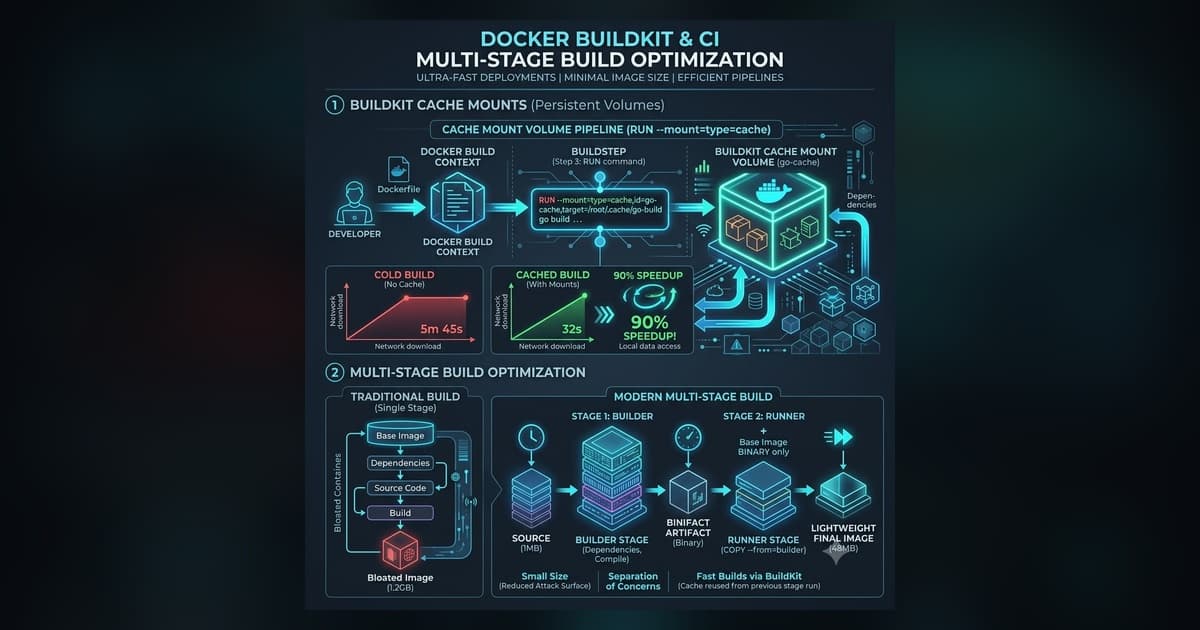
Tối ưu hóa Docker BuildKit với Cache Mount & Multi-Stage (Hướng dẫn 2026)
Tăng tốc build Docker bằng cách sử dụng cache mount của BuildKit, target multi-stage, và backend cache từ xa qua S3/registry cho các container Go, Node.js, và Rust.
Read more
Kỹ thuật Nền tảng: Xây dựng Lộ trình Vàng cho Nhà phát triển
Tìm hiểu cách xây dựng Nền tảng Nhà phát triển Nội bộ (IDP) và Lộ trình Vàng giúp giảm tải nhận thức, tự động hóa pipeline CI/CD và mở rộng quy mô kỹ thuật nền tảng.
Read more
Tại sao ảnh Docker của tôi nặng 1GB (và cách tôi giảm xuống còn 50MB)
Tìm hiểu cách giảm kích thước ảnh container Docker từ 1GB xuống 50MB bằng cách sử dụng multi-stage builds, Alpine bases, distroless runtimes và các phương pháp hay nhất về bộ nhớ đệm layer.
Read more