Modern React Testing with Vitest and React Testing Library

Table of Contents
Testing React applications has evolved significantly over the years. For a long time, Jest has been the undisputed king of the JavaScript testing ecosystem. However, as the industry shifted towards ES Modules (ESM) and modern build tools like Vite, Jest began to show its age—particularly regarding execution speed and ESM compatibility. Enter Vitest, a blazing fast, Vite-native testing framework that is quickly becoming the new standard for React projects.
In this comprehensive guide, we'll dive deep into migrating from Jest to Vitest, integrating it with React Testing Library (RTL), and leveraging modern testing patterns that surpass traditional tutorials.
Why Migrate from Jest to Vitest?
Before we dive into the code, it's crucial to understand why this shift is happening. While comprehensive tutorials (like those from Robin Wieruch) have historically championed Jest, the modern frontend landscape demands faster iteration cycles.
- Native ESM Support: Jest has historically struggled with ESM, often requiring complex Babel configurations or experimental flags. Vitest supports ESM out-of-the-box.
- Vite Integration: If your React app is already using Vite, Vitest shares the same configuration (
vite.config.ts), plugins, and transformation pipeline. This eliminates the dreaded "works in dev, fails in test" discrepancies. - Speed: By leveraging ESBuild for transformation, Vitest executes tests significantly faster than Jest, especially in large codebases.
- Watch Mode: Vitest's intelligent watch mode (powered by Vite's HMR mechanism) instantly reruns only the tests affected by file changes.
- API Compatibility: Vitest provides a Jest-compatible API, making migration surprisingly straightforward.
describe,it,expect, andvi(the Vitest equivalent ofjest) are drop-in replacements for the most part.
Step 1: Installation and Configuration
Let's start by ripping out Jest and installing Vitest along with React Testing Library.
npm uninstall jest @types/jest ts-jest @testing-library/jest-dom
npm install -D vitest @vitest/ui @testing-library/react @testing-library/jest-dom jsdom @testing-library/user-event
Next, configure Vitest. If you're using Vite, simply add the test property to your vite.config.ts:
// vite.config.ts
import { defineConfig } from 'vite';
import react from '@vitejs/plugin-react';
import path from 'path';

export default defineConfig({
  plugins: [react()],
  test: {
    globals: true, // Enables 'describe', 'it', 'expect' globally like Jest
    environment: 'jsdom', // Simulates a browser environment for React components
    setupFiles: './src/setupTests.ts', // Path to your setup file
    css: true, // Process CSS imports
    alias: {
      '@': path.resolve(__dirname, './src'),
    },
  },
});
Setting up the Environment
Create src/setupTests.ts to extend Vitest's expect with DOM matchers from @testing-library/jest-dom:
// src/setupTests.ts
import '@testing-library/jest-dom/vitest';
import { cleanup } from '@testing-library/react';
import { afterEach, vi } from 'vitest';

// Automatically unmount and cleanup DOM after the test is finished.
afterEach(() => {
  cleanup();
});

// Mocking window.matchMedia if needed for UI libraries
Object.defineProperty(window, 'matchMedia', {
  writable: true,
  value: vi.fn().mockImplementation(query => ({
    matches: false,
    media: query,
    onchange: null,
    addListener: vi.fn(),
    removeListener: vi.fn(),
    addEventListener: vi.fn(),
    removeEventListener: vi.fn(),
    dispatchEvent: vi.fn(),
  })),
});
Notice we import @testing-library/jest-dom/vitest. This is a newer addition that provides native Vitest types, avoiding namespace collisions with Jest.
Step 2: The Migration Process (Jest to Vitest)
Migrating your test files is usually a search-and-replace operation:
- Globals: If you set
globals: truein your config, you don't need to importdescribe,it, orexpectfromvitest. - Mocking: Replace
jest.fn()withvi.fn(),jest.spyOn()withvi.spyOn(), andjest.mock()withvi.mock(). - Timers: Replace
jest.useFakeTimers()withvi.useFakeTimers().
Advanced Mocking Example
Let's look at how mocking a module changes.
Jest:
jest.mock('axios', () => ({
  default: { get: jest.fn().mockResolvedValue({ data: {} }) }
}));
Vitest:
import { vi } from 'vitest';
import axios from 'axios';

vi.mock('axios', () => ({
  default: { get: vi.fn().mockResolvedValue({ data: {} }) }
}));
While identical in structure, Vitest's hoisting mechanism is slightly different. Vitest hoists vi.mock to the top of the file, just like Jest, but it integrates more seamlessly with ESM, reducing the edge cases where mocked modules evaluate before the mock is applied.
Step 3: Modern Component Testing with React Testing Library
React Testing Library (RTL) encourages testing components from the user's perspective rather than testing implementation details. Let's build a complex asynchronous component and test it properly.
// src/components/UserProfile.tsx
import React, { useState, useEffect } from 'react';

interface User {
  id: string;
  name: string;
  email: string;
}

export const UserProfile = ({ userId }: { userId: string }) => {
  const [user, setUser] = useState<User | null>(null);
  const [loading, setLoading] = useState(true);
  const [error, setError] = useState<string | null>(null);

  useEffect(() => {
    const fetchUser = async () => {
      try {
        setLoading(true);
        const response = await fetch(`/api/users/${userId}`);
        if (!response.ok) throw new Error('Failed to fetch user');
        const data = await response.json();
        setUser(data);
      } catch (err) {
        setError(err instanceof Error ? err.message : 'Unknown error');
      } finally {
        setLoading(false);
      }
    };
    fetchUser();
  }, [userId]);

  if (loading) return <div role="status">Loading...</div>;
  if (error) return <div role="alert">{error}</div>;
  if (!user) return <div>No user found</div>;

  return (
    <article>
      <h2>{user.name}</h2>
      <p>{user.email}</p>
      <button onClick={() => console.log('Edit clicked')}>Edit Profile</button>
    </article>
  );
};
Writing the Test
Here is how you write a modern, resilient test suite for this component using Vitest and RTL, avoiding common anti-patterns like using waitFor unnecessarily.
// src/components/UserProfile.test.tsx
import { render, screen, waitForElementToBeRemoved } from '@testing-library/react';
import userEvent from '@testing-library/user-event';
import { UserProfile } from './UserProfile';
import { vi, describe, it, expect, beforeEach } from 'vitest';

// Mock the global fetch
global.fetch = vi.fn();

describe('UserProfile Component', () => {
  const mockUser = { id: '1', name: 'Jane Doe', email: 'jane@example.com' };

  beforeEach(() => {
    vi.clearAllMocks();
  });

  it('renders loading state initially, then displays user data', async () => {
    (global.fetch as any).mockResolvedValueOnce({
      ok: true,
      json: async () => mockUser,
    });

    render(<UserProfile userId="1" />);

    // 1. Assert loading state
    expect(screen.getByRole('status')).toHaveTextContent('Loading...');

    // 2. Wait for loading to finish (Modern pattern instead of waitFor)
    await waitForElementToBeRemoved(() => screen.queryByRole('status'));

    // 3. Assert user data
    expect(screen.getByRole('heading', { name: 'Jane Doe' })).toBeInTheDocument();
    expect(screen.getByText('jane@example.com')).toBeInTheDocument();
  });

  it('renders error state on API failure', async () => {
    (global.fetch as any).mockResolvedValueOnce({
      ok: false,
    });

    render(<UserProfile userId="2" />);

    // Wait for the alert role to appear
    const alertElement = await screen.findByRole('alert');
    expect(alertElement).toHaveTextContent('Failed to fetch user');
  });

  it('simulates user interaction correctly', async () => {
    (global.fetch as any).mockResolvedValueOnce({
      ok: true,
      json: async () => mockUser,
    });
    const consoleSpy = vi.spyOn(console, 'log');

    render(<UserProfile userId="1" />);

    // Wait for data to load using findByRole
    const editButton = await screen.findByRole('button', { name: /edit profile/i });

    // Use userEvent instead of fireEvent for more realistic interactions
    const user = userEvent.setup();
    await user.click(editButton);

    expect(consoleSpy).toHaveBeenCalledWith('Edit clicked');
  });
});
Key Takeaways from the Test Suite:
userEventoverfireEvent: We utilize@testing-library/user-event. It simulates full DOM events (like keyboard focus, bubbling, etc.), making tests significantly closer to how a real user interacts with the browser.findBy*instead ofwaitFor: Instead of wrapping agetBy*in awaitForblock, modern RTL encourages usingawait screen.findBy*(). It is cleaner and handles the polling internally.waitForElementToBeRemoved: This is the cleanest way to assert that a loading skeleton or spinner has vanished before proceeding to assert the rendered content.
Continuous Integration and Coverage
Vitest uses c8 (via v8) or istanbul for code coverage. To enable coverage, run:
npx vitest run --coverage
You might need to install the provider: npm i -D @vitest/coverage-v8. The output is instantly generated, and because it runs on ESBuild, it's remarkably fast in CI pipelines.
Conclusion
Migrating from Jest to Vitest is not just about keeping up with trends; it's a pragmatic upgrade for developer experience. You get native ESM support, shared configuration with Vite, and execution speeds that can cut CI times in half.
When combined with the philosophical approach of React Testing Library—testing behaviors over implementation details—your test suite becomes a robust safety net rather than a brittle maintenance burden. Embrace Vitest, utilize userEvent, and stop testing your components' internal states. Happy testing!
You Might Also Like
Free In-Browser Developer Tools
Clean AI CLI logs, build cron expressions, decode JWTs, and calculate chmod permissions offline.
Related Articles
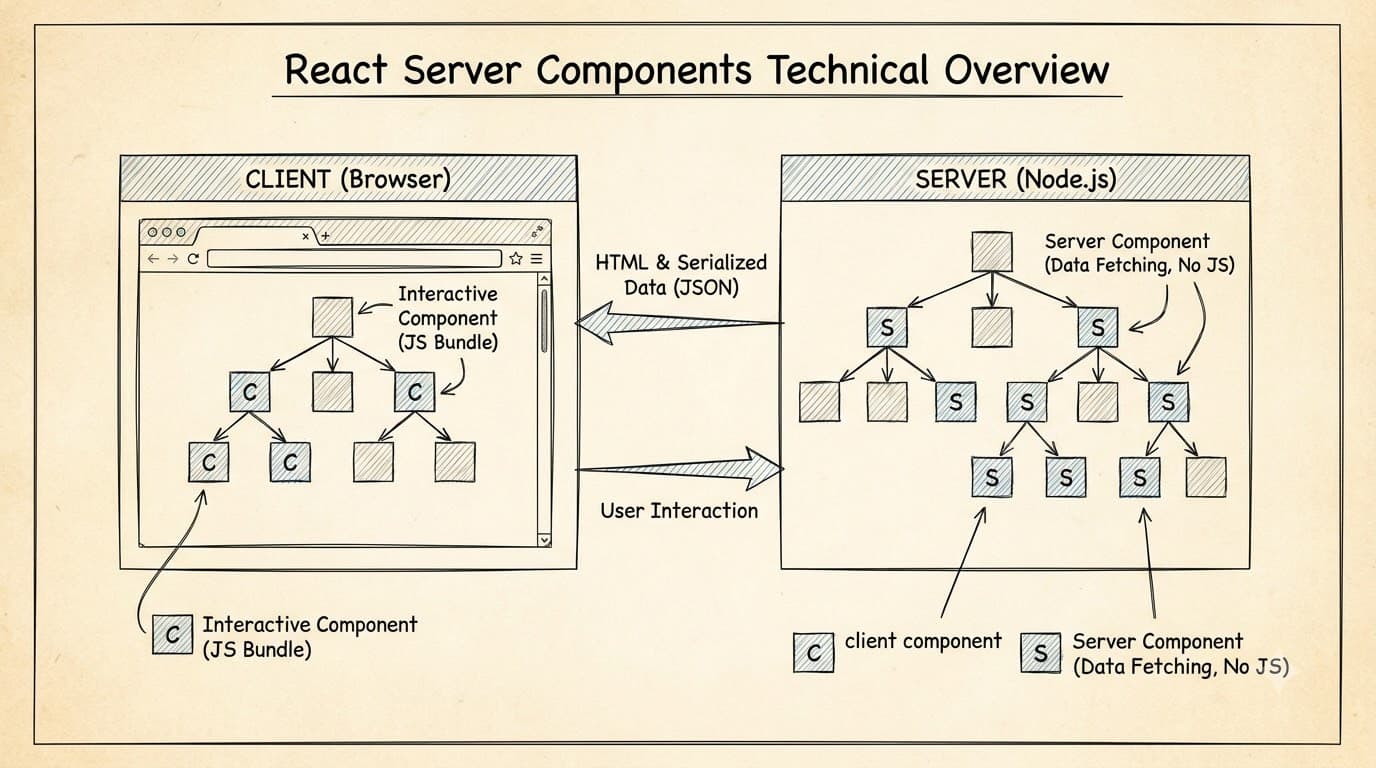
The Paradigm Shift of React Server Components
Explore how React Server Components (RSC) fundamentally change the way we build React applications, offering smaller bundle sizes, simplified data fetching, and improved performance.
Read more
Migrating from Jest to Vitest in a Turborepo Monorepo Architecture
Complete step-by-step migration guide for transitioning Jest test suites to Vitest in a TypeScript Turborepo monorepo with 10x faster execution times.
Read more
@testing-library/user-event v14: Complete Guide with userEvent.setup() (2026)
Complete guide to @testing-library/user-event v14: userEvent.setup(), async typing, fireEvent vs userEvent differences, click/type/keyboard patterns, and MSW integration — with copy-paste examples.
Read more