Docker Compose for Local Development: A Complete Setup Guide
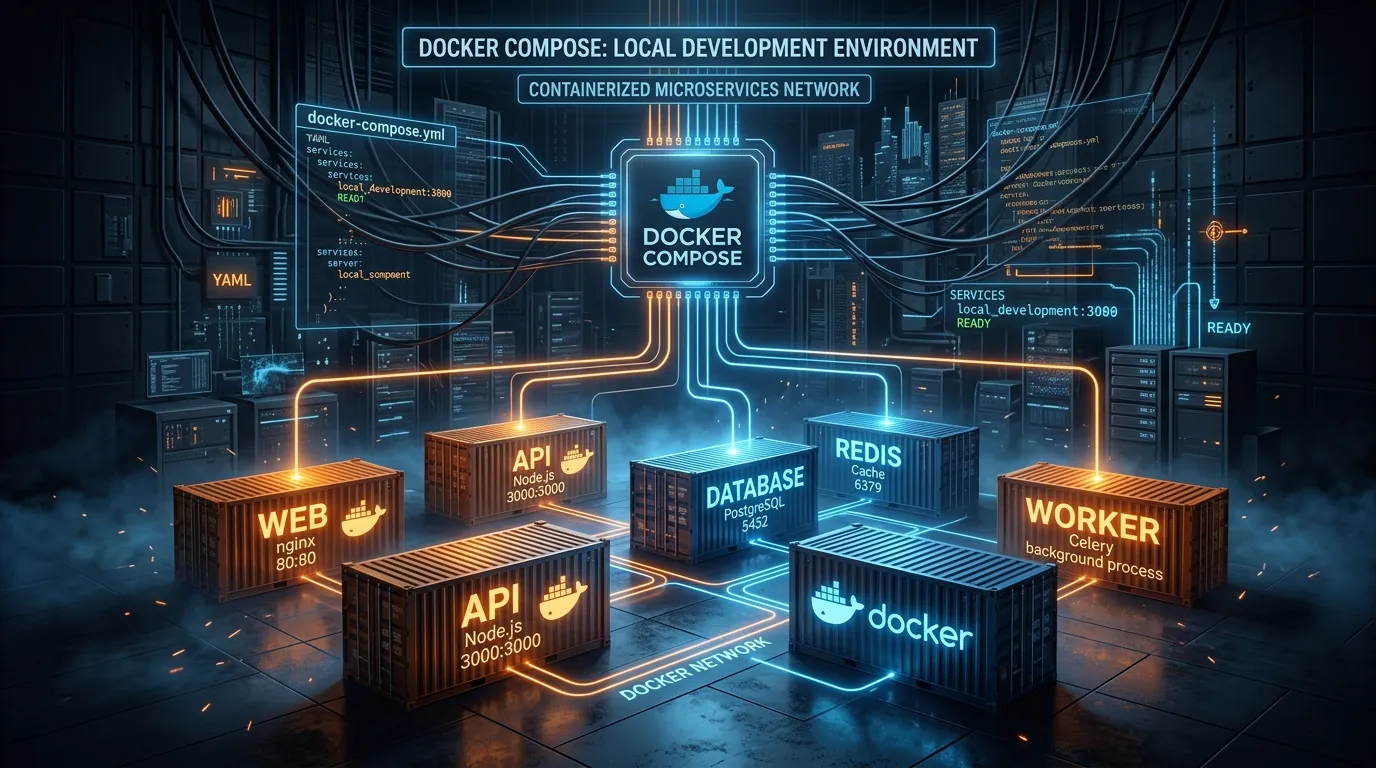

Table of Contents
Modern web applications are rarely a single service. A typical 2026 stack includes a Node.js or Python API, a PostgreSQL database, a Redis cache, a Celery or BullMQ worker, and perhaps a local S3-compatible store like MinIO. Managing these dependencies manually — installing specific Postgres versions, configuring ports, juggling terminal tabs — is a recipe for environment drift and the classic "it works on my machine" failure.
Docker Compose solves this by expressing your entire local infrastructure as a single declarative YAML file. In 2026, Docker Compose v2 ships with Docker Desktop and Docker Engine, integrates BuildKit natively, and supports GPU profiles, healthchecks, and secrets — making it production-capable for local workflows.
Docker Compose to Kubernetes Converter
Generate Deployments, Services, ConfigMaps & Ingress
Convert multi-service Docker Compose v2/v3 YAML into production-grade Kubernetes manifests with custom replicas, health probes, resource limits, and PVC storage.
Why Your docker compose up Should Mirror Production
The goal is not just convenience. A Compose file that mirrors production catches environment-specific bugs before they reach staging. Concrete parity points to enforce:
- Same PostgreSQL version, same encoding (
UTF8), same locale (en_US.UTF-8) - Same Redis version and eviction policy (
volatile-lrufor session caches) - Same environment variable names (sourced from
.env, never hardcoded) - Same network topology (services discover each other by service name, not
localhost) - Same user permissions (API container runs as non-root, mirrors K8s
runAsNonRoot)
Step 1: The docker-compose.yml File
Here is a production-mirrored Compose file for a Node.js API with PostgreSQL, Redis, and a background worker:
# docker-compose.yml (Docker Compose v2 — no "version:" key needed)
name: myapp

services:
  api:
    build:
      context: ./api
      target: development
      cache_from:
        - type=local,src=/tmp/.buildx-cache
    ports:
      - "3000:3000"
    volumes:
      - ./api:/usr/src/app
      - node_modules:/usr/src/app/node_modules  # Prevent host node_modules leak
    env_file:
      - .env
    environment:
      NODE_ENV: development
      DATABASE_URL: postgres://app:${POSTGRES_PASSWORD}@db:5432/myappdb
      REDIS_URL: redis://redis:6379/0
    depends_on:
      db:
        condition: service_healthy
      redis:
        condition: service_healthy
    command: npm run dev
    user: "1001:1001"   # Match your host UID to avoid root-owned volume files

  worker:
    build:
      context: ./api
      target: development
    volumes:
      - ./api:/usr/src/app
      - node_modules:/usr/src/app/node_modules
    env_file:
      - .env
    environment:
      NODE_ENV: development
      DATABASE_URL: postgres://app:${POSTGRES_PASSWORD}@db:5432/myappdb
      REDIS_URL: redis://redis:6379/0
    depends_on:
      db:
        condition: service_healthy
      redis:
        condition: service_healthy
    command: npm run worker
    user: "1001:1001"

  db:
    image: postgres:16-alpine
    restart: unless-stopped
    ports:
      - "5432:5432"
    environment:
      POSTGRES_USER: app
      POSTGRES_PASSWORD: ${POSTGRES_PASSWORD}
      POSTGRES_DB: myappdb
      POSTGRES_INITDB_ARGS: "--encoding=UTF8 --locale=en_US.UTF-8"
    volumes:
      - pgdata:/var/lib/postgresql/data
      - ./db/init.sql:/docker-entrypoint-initdb.d/10-init.sql:ro
      - ./db/seed.sql:/docker-entrypoint-initdb.d/20-seed.sql:ro
    healthcheck:
      test: ["CMD-SHELL", "pg_isready -U app -d myappdb"]
      interval: 5s
      timeout: 5s
      retries: 10
      start_period: 10s

  redis:
    image: redis:7-alpine
    restart: unless-stopped
    ports:
      - "6379:6379"
    command: >
      redis-server
      --maxmemory 256mb
      --maxmemory-policy volatile-lru
      --save ""
    healthcheck:
      test: ["CMD", "redis-cli", "ping"]
      interval: 5s
      timeout: 3s
      retries: 5

  minio:
    image: minio/minio:latest
    ports:
      - "9000:9000"
      - "9001:9001"   # MinIO Console UI
    environment:
      MINIO_ROOT_USER: ${MINIO_USER}
      MINIO_ROOT_PASSWORD: ${MINIO_PASSWORD}
    command: server /data --console-address ":9001"
    volumes:
      - minio_data:/data
    healthcheck:
      test: ["CMD", "mc", "ready", "local"]
      interval: 10s
      timeout: 5s
      retries: 3

volumes:
  pgdata:
  node_modules:
  minio_data:
Why depends_on with condition: service_healthy Matters
The naive depends_on: [db] only waits for the container to start, not for PostgreSQL to accept connections. Your API's first database query hits "connection refused" and crashes on startup. Using condition: service_healthy with a proper healthcheck ensures Postgres is actually ready before the API boots.
The node_modules Volume Trick
The node_modules:/usr/src/app/node_modules named volume prevents your host node_modules (compiled for macOS or Windows) from overwriting the container's Linux-compiled binaries. Without this, native addons like bcrypt or sharp fail inside the container.
Step 2: Multi-Stage Dockerfile with BuildKit Cache Mounts
BuildKit cache mounts dramatically accelerate rebuilds by persisting the npm cache across builds:
# api/Dockerfile
FROM node:20-alpine AS base
WORKDIR /usr/src/app
RUN addgroup -g 1001 appgroup && adduser -u 1001 -G appgroup -s /bin/sh -D appuser

# Development stage — includes devDependencies, live reload
FROM base AS development
COPY package*.json ./
# BuildKit cache mount: npm cache persists across `docker compose build` runs
RUN --mount=type=cache,target=/root/.npm \
    npm install
COPY . .
# CMD is overridden by docker-compose.yml

# Build stage — compiles TypeScript, runs tests
FROM base AS build
COPY package*.json ./
RUN --mount=type=cache,target=/root/.npm \
    npm ci
COPY . .
RUN npm run build && npm run test:ci

# Production runtime — minimal image, no devDependencies
FROM node:20-alpine AS production
WORKDIR /usr/src/app
RUN addgroup -g 1001 appgroup && adduser -u 1001 -G appgroup -s /bin/sh -D appuser
COPY package*.json ./
RUN --mount=type=cache,target=/root/.npm \
    npm ci --omit=dev
COPY --from=build /usr/src/app/dist ./dist
USER appuser
EXPOSE 3000
CMD ["node", "dist/main.js"]
The --mount=type=cache directive is a BuildKit feature. The first build downloads dependencies; subsequent builds read from the cache layer, cutting build time from minutes to seconds for most iterative changes.
Step 3: Environment Secrets Management
Never commit credentials to version control. Use .env with a committed .env.example:
# .env.example — committed to git
POSTGRES_PASSWORD=change_me_in_env
MINIO_USER=minioadmin
MINIO_PASSWORD=change_me_in_env
REPORTER_SECRET=change_me_in_env
# .env — gitignored, copied from .env.example
POSTGRES_PASSWORD=dev_local_secret_32chars
MINIO_USER=minioadmin
MINIO_PASSWORD=dev_local_minio_secret
REPORTER_SECRET=dev_reporter_secret
For production-like secrets in local testing, Docker Compose Secrets provide a more secure alternative that mounts secrets as files rather than environment variables:
secrets:
  db_password:
    file: ./secrets/db_password.txt

services:
  api:
    secrets:
      - db_password
    environment:
      DATABASE_PASSWORD_FILE: /run/secrets/db_password
Step 4: Daily Workflow Commands
# Start the entire stack (foreground — see all logs)
docker compose up

# Start detached, tail only API logs
docker compose up -d && docker compose logs -f api

# Rebuild only the api image after Dockerfile changes
docker compose up --build api

# Run a one-off command inside the running api container
docker compose exec api npm run migrate:latest

# Run a new ephemeral container (doesn't affect the running api)
docker compose run --rm api npm run db:seed

# Stop containers, preserve volumes
docker compose down

# Nuclear reset: stop, remove containers, networks, AND volumes
docker compose down -v

# View resource usage
docker compose stats
Networking and Service Discovery
Docker Compose creates a private network named myapp_default (prefixed with the name: value). Every service is reachable at http://<service-name>:<internal-port>:
| Access From | Target | URL |
|---|---|---|
api container | PostgreSQL | postgres://app:…@db:5432/myappdb |
api container | Redis | redis://redis:6379/0 |
api container | MinIO API | http://minio:9000 |
| Your browser | API | http://localhost:3000 |
| Your browser | MinIO Console | http://localhost:9001 |
Port mappings (ports:) expose container ports to your host machine. Without a mapping, a service is reachable from other containers but not from your browser — useful for isolating internal services.
Profiles for Optional Services
Use profiles to start optional services (like a Jaeger trace collector) only when needed:
services:
  jaeger:
    image: jaegertracing/all-in-one:latest
    ports:
      - "16686:16686"
      - "4317:4317"
    profiles: ["observability"]
# Start with optional observability stack
docker compose --profile observability up

# Start without (default)
docker compose up
Conclusion
A well-crafted docker-compose.yml eliminates environment drift, cuts onboarding from hours to minutes, and gives your CI pipeline the same deterministic environment as every developer's machine. The investment is an hour of setup; the return is months of saved debugging time across your team.
You Might Also Like
Free In-Browser Developer Tools
Clean AI CLI logs, build cron expressions, decode JWTs, and calculate chmod permissions offline.
Related Articles
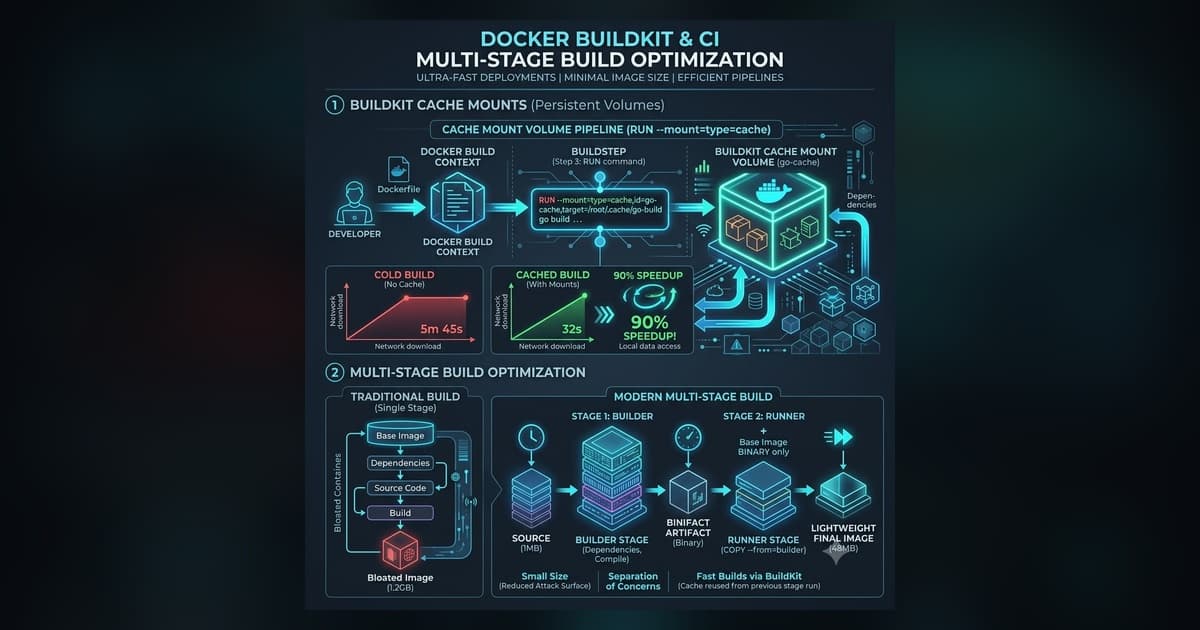
Docker BuildKit Cache Mounts: Python uv, Go & Node.js Guide (2026)
Accelerate Docker builds using BuildKit cache mounts (--mount=type=cache) and multi-stage targets. Production recipes for Python Astral uv, Go, and Node.js.
Read more
Platform Engineering: Building Golden Paths for Developers
How to build Internal Developer Platforms (IDPs) and Golden Paths that reduce cognitive load, automate CI/CD pipelines, and scale platform engineering.
Read more
Why My Docker Images Were 1GB (And How I Shrank Them to 50MB)
How to reduce Docker container images from 1GB to 50MB using multi-stage builds, Alpine bases, distroless runtimes, and layer caching best practices.
Read more